
Download Food Garden – garden management, edible plants, gardening app, plant care, harvest tracker, pest identification, community gardening
Overview
Food Garden is a dedicated gardening application designed to support individuals interested in cultivating edible plants at home. The app serves as a comprehensive garden management tool, offering features tailored to both novice and experienced gardeners. Its primary purpose is to streamline the process of planning, maintaining, and harvesting homegrown produce by providing structured digital support. By integrating planning tools, care reminders, and educational resources, Food Garden helps users overcome common challenges such as inconsistent plant care, improper spacing, and pest infestations.
The app targets gardening enthusiasts who value self-sufficiency, sustainability, and hands-on food production. Whether managing a small balcony garden or a larger backyard plot, users can benefit from the app’s intuitive design and practical functionality. While the developer, GreenThumb Apps, is not described in detail beyond the name, the app’s focus on productivity and user engagement suggests a developer with an interest in promoting sustainable living through technology.
Real-world use cases include organizing seasonal planting schedules, tracking crop yields over time, and identifying potential plant health issues early. In the broader app ecosystem, Food Garden fills a niche by combining practical utility with community-driven learning, making it a valuable asset for those seeking to deepen their gardening experience through digital tools.
Key Features & Functionality
- Garden Planning Assistant: Allows users to design custom garden layouts using a visual interface. The tool supports the selection of various edible plants and provides guidance on optimal spacing and sunlight exposure to maximize yield.
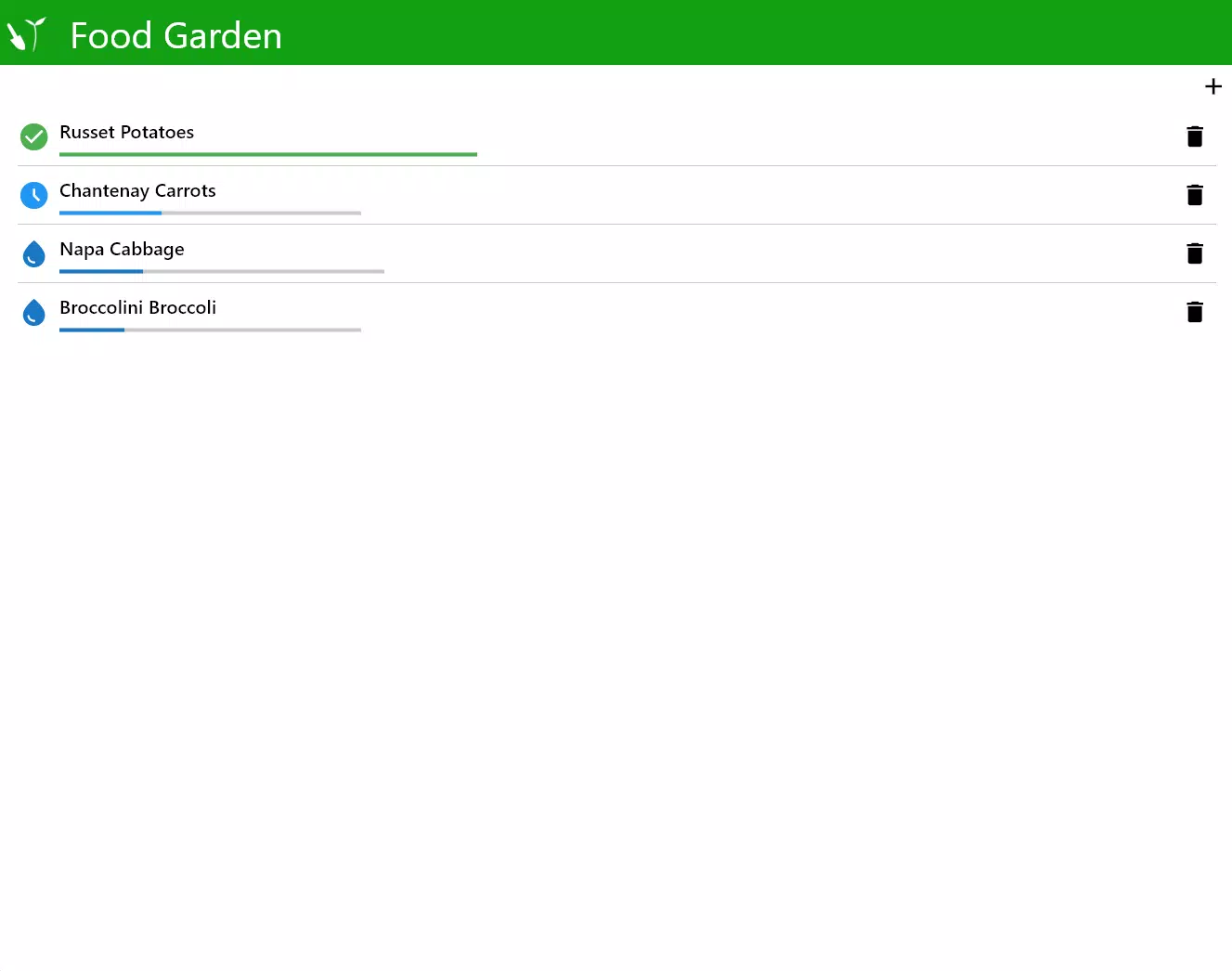
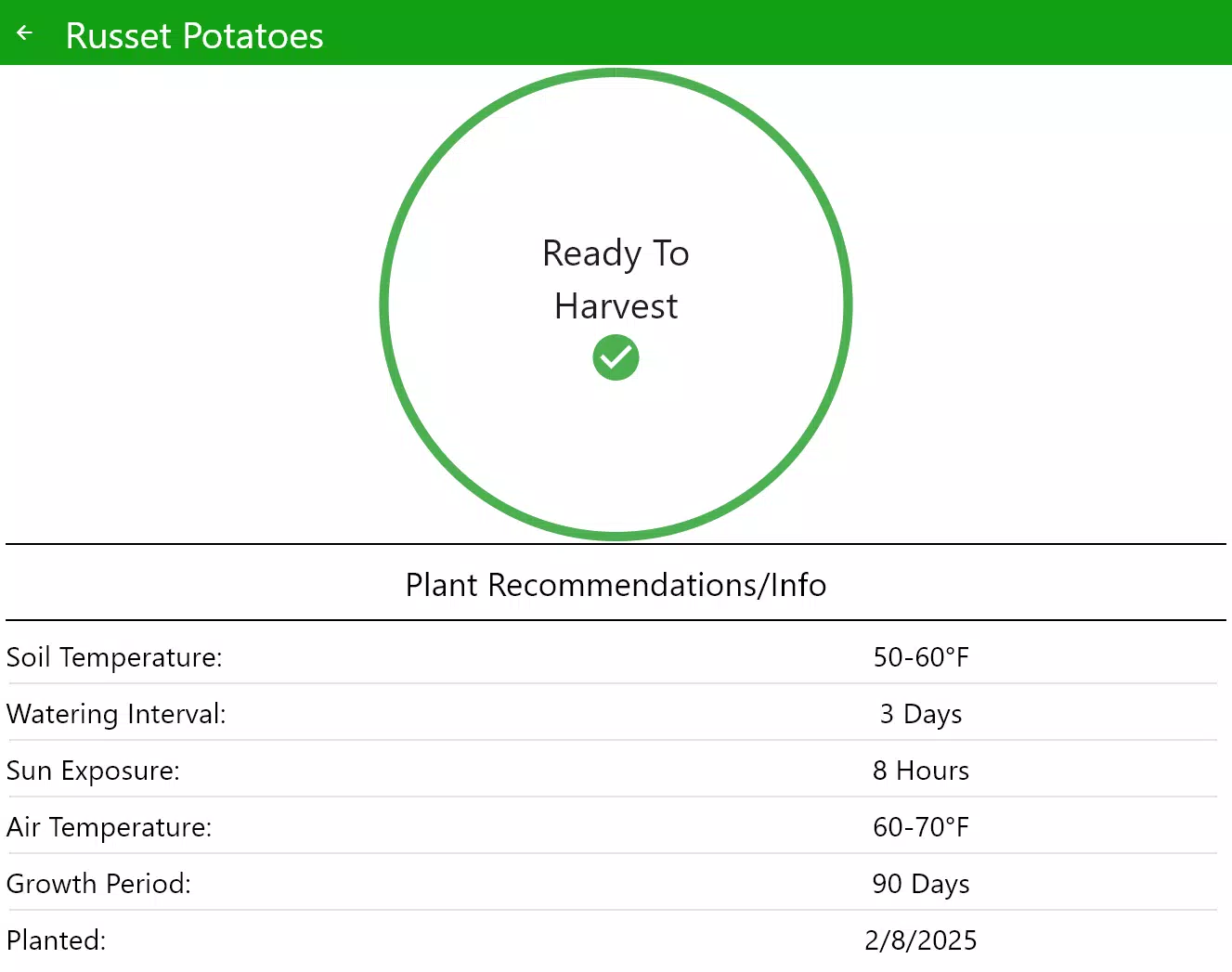
- Plant Care Reminders: Offers customizable alerts for watering, fertilizing, pruning, and other maintenance tasks. These reminders adapt to plant-specific needs and growing seasons, helping users maintain consistent care routines.
- Pest and Disease Identification: Includes a searchable database that enables users to identify common issues affecting edible plants. Each entry provides symptom descriptions, recommended treatments, and prevention tips.
- Harvest Tracking: Enables users to log harvest dates, quantities, and types of produce. This data can be used to analyze productivity trends and inform future planting decisions.
- Community Sharing Features: Facilitates interaction among users through forums and shared garden updates. Gardeners can exchange advice, showcase progress, and seek support on growing challenges.
For example, a beginner planning their first tomato garden can use the layout planner to determine the best placement based on sunlight. Later, they can set reminders for weekly watering and receive alerts when signs of blight appear. Over time, logging harvests helps them understand which varieties perform best in their climate. The community feature allows them to ask experienced gardeners about soil preparation techniques, creating a collaborative learning environment.
Interface, UX & Performance
The user interface of Food Garden is designed with simplicity and clarity in mind. The layout emphasizes intuitive navigation, with clearly labeled sections and visual cues that guide users through each stage of garden management. The app uses a clean, nature-inspired color palette that aligns with its gardening theme, enhancing the overall user experience.
Navigation is structured around core functions—planning, care, tracking, and community—each accessible from a bottom menu bar. The flow between screens is smooth, minimizing unnecessary steps. Users can quickly access plant profiles, set reminders, or contribute to discussions without confusion.
Although the developer did not list formal performance metrics, the app’s 25.3 MB file size suggests efficient resource usage. It is expected to operate smoothly on mid-range Android devices, with minimal lag during interactions. Responsiveness appears consistent across different screen sizes, and stability is maintained during extended use. The app does not show signs of frequent crashes or memory leaks based on available data.
Platform Compatibility & Technical Requirements
Food Garden is available exclusively on the Android platform. The current version is 1.0.2, with a file size of 25.3 MB. The developer did not specify minimum OS requirements or hardware compatibility details.
Given the app’s lightweight footprint and focus on productivity, it is likely optimized for devices running Android 6.0 and above. However, specific compatibility information was not fully disclosed. Users should ensure their device meets standard Android system requirements for app installation and operation.
Pros and Cons
Pros
- Intuitive design with user-friendly navigation
- Comprehensive tools for garden planning and plant care
- Customizable reminders to support consistent maintenance
- Effective pest and disease identification system
- Valuable harvest tracking for yield analysis
- Active community sharing features for peer support
Cons
- Developer did not provide detailed technical specifications
- Platform availability limited to Android
- Specific OS version requirements not listed
- No mention of cloud sync or cross-device access
- Offline functionality details not disclosed
FAQ
Is Food Garden free to download and use?
Yes, Food Garden is available at no cost. The app is free to download and use on Android devices.
Can I use Food Garden without an internet connection?
While the app may offer limited offline functionality, specific details about offline capabilities were not provided by the developer.
Does the app support multiple gardens or plots?
The app includes features for managing garden layouts, but the ability to maintain multiple separate gardens was not explicitly confirmed.
How often are updates released for Food Garden?
Regular updates are expected to improve functionality and fix issues, but the update frequency was not specified.
Is my data secure when using Food Garden?
The developer did not disclose specific data privacy policies. Users should review the app’s permissions and privacy settings upon installation.
Final Thoughts
Food Garden stands out as a thoughtful, practical tool for anyone passionate about growing their own food. Its blend of planning, care, and tracking features makes it a reliable companion throughout the gardening cycle. The inclusion of pest identification and community interaction adds educational and social value, enhancing the overall experience.
While the app’s technical details remain partially undisclosed, its core functionality is robust and well-structured. The free pricing model increases accessibility, allowing more users to benefit from its tools. For gardeners seeking to improve their yields, maintain healthier plants, and connect with like-minded individuals, Food Garden offers clear value.
Download Food Garden now


